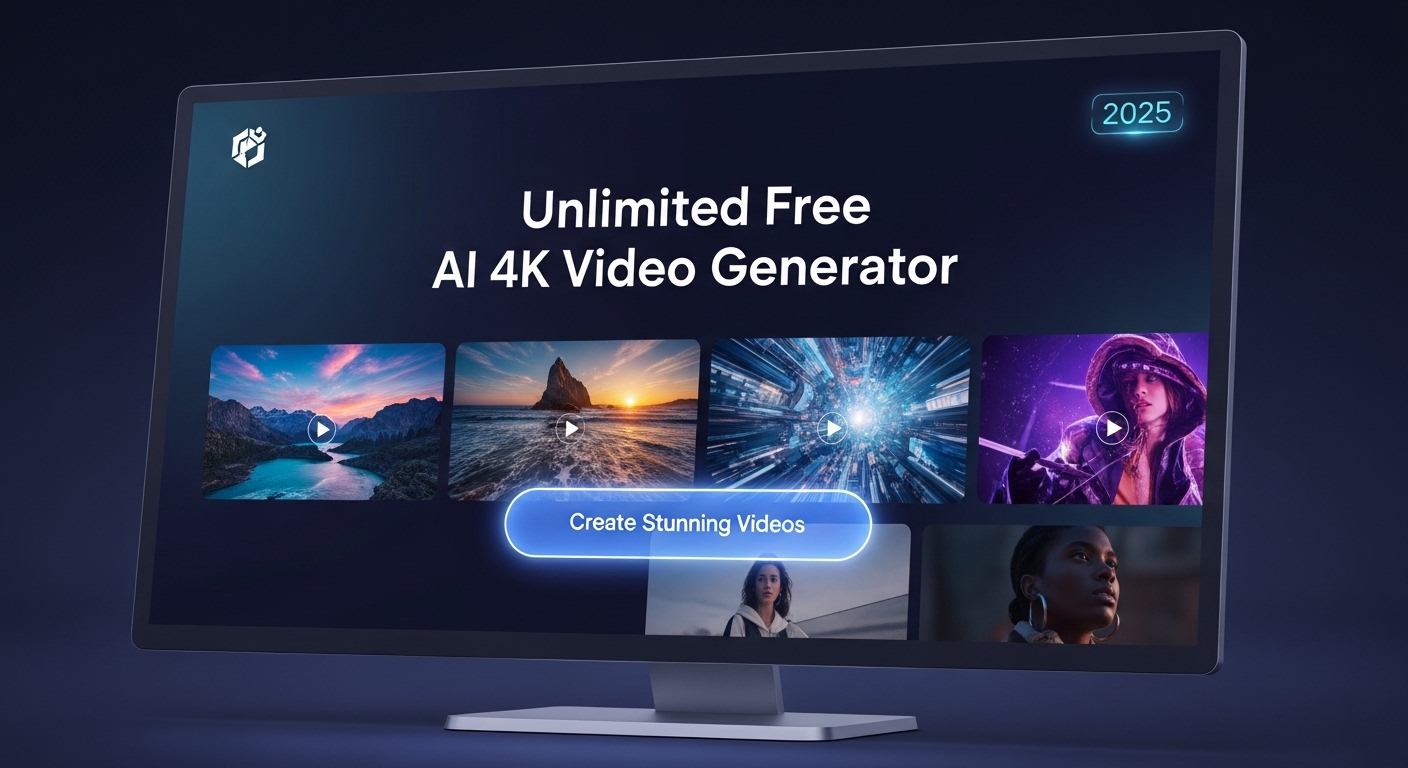

The world of video creation is evolving at lightning speed. In 2025, content creators, marketers, and enthusiasts have access to unlimited free AI 4K video generators that transform text and images into professional-quality videos. These tools are not only cost-effective but also open up creative possibilities previously reserved for large studios.
In this guide, we’ll explore the capabilities of AI 4K video generators, how to use them, and the impact they have on video production in 2025.
1. What Is an AI 4K Video Generator?
An AI 4K video generator is a software tool that uses artificial intelligence to create videos in ultra-high-definition (4K) resolution. These platforms typically convert text prompts or images into dynamic video content automatically, often in minutes.
Key Features
-
Text-to-video conversion: Turn scripts or descriptions into animated videos.
-
Image-to-video capabilities: Animate static images with AI-generated motion and effects.
-
4K resolution output: Professional-quality visuals suitable for YouTube, social media, and presentations.
-
Open-source platforms: Free access with community-driven development and customization.
These features make video creation faster, cheaper, and more accessible than traditional methods.
2. Benefits of Using Free AI 4K Video Generators
The rise of AI video generators offers several advantages for content creators, educators, marketers, and hobbyists.
Unlimited Creativity
AI tools allow you to experiment with styles, effects, and animations without technical expertise. Whether you’re creating explainer videos, advertisements, or social media content, AI expands creative possibilities.
Cost Efficiency
Traditional 4K video production can cost hundreds or thousands of dollars. Free AI tools eliminate the need for expensive cameras, editing software, and studio setups.
Time Savings
Manual video editing can take hours or days. AI generators can produce 4K videos in minutes, allowing creators to focus on strategy, storytelling, and engagement.
Accessibility
Open-source platforms make professional video creation available to anyone, regardless of budget or technical skill.
3. How AI Converts Text into Video
Text-to-video AI works by interpreting written prompts and transforming them into visual sequences.
Step-by-Step Process
-
Input your text: Write a script, story, or description.
-
Select video style: Choose animation, cinematic, or motion graphics styles.
-
AI processing: The platform generates frames, applies transitions, and syncs visuals with your text.
-
Output video: Download in 4K resolution, ready for publishing.
Many platforms also allow customization, including adding music, voiceovers, and branding.
4. How AI Converts Images into 4K Videos
Image-to-video AI animates still images into dynamic clips. This is especially useful for creating:
-
Product showcases
-
Educational content
-
Social media posts
-
Artistic projects
Key Steps
-
Upload images or illustrations.
-
Choose animation effects or AI-driven movement.
-
Adjust speed, transitions, and camera angles.
-
Render a 4K video ready for sharing.
This technology makes visual storytelling effortless, even for non-professional creators.
5. Popular Free and Open-Source AI Video Tools in 2025
Several platforms are leading the way in 2025, offering free, high-quality AI video generation.
-
Runway ML: Text-to-video and image animation with 4K output.
-
Pictory AI: Converts blog posts and scripts into professional videos.
-
Kaiber AI: Open-source, flexible tool for artistic animations and cinematic effects.
-
DeepBrain AI: Realistic avatars and voice integration for educational and marketing videos.
-
OpenVideo AI (Community-Driven): Fully open-source, allowing full customization for developers and creators.
Each tool provides unique features, making it important to choose based on your specific needs.
6. Tips for Creating Stunning AI 4K Videos
Even with AI, following best practices ensures professional results.
Craft Clear Prompts
For text-to-video, clarity matters. Describe scenes, emotions, and visual details to guide AI output accurately.
Use High-Quality Images
High-resolution inputs produce sharper, more realistic results in image-to-video projects.
Customize Audio
Add royalty-free music, AI voiceovers, or sound effects to enhance engagement and immersion.
Test Different Styles
Experiment with cinematic, animated, or abstract styles to find the best fit for your content.
Review and Edit
AI-generated videos may require minor edits to timing, transitions, or color grading for perfection.
7. Applications of AI 4K Video Generators
The versatility of AI 4K video generators makes them suitable for multiple industries and use cases.
Content Creation
-
YouTube videos
-
Social media marketing
-
Blog visualizations
Education
-
Interactive learning videos
-
Animated tutorials
-
Online course content
Marketing and Advertising
-
Product demos
-
Brand storytelling
-
Explainer videos
Art and Entertainment
-
Music videos
-
Short films
-
Animated stories
These applications demonstrate the broad potential of AI in transforming video creation.
8. The Future of AI Video Creation
As AI continues to advance, video creation will become faster, smarter, and more immersive.
-
Higher resolutions and realism: Beyond 4K, AI may soon support 8K cinematic videos.
-
Real-time video generation: Instant rendering for live streaming and interactive media.
-
Enhanced customization: AI-generated videos tailored to individual viewer preferences.
-
Integration with VR/AR: Immersive content for gaming, education, and virtual experiences.
These developments will redefine how creators, educators, and marketers engage audiences.
Conclusion
The Unlimited Free AI 4K Video Generator is a game-changer in 2025. By transforming text and images into professional-quality videos quickly and efficiently, AI empowers creators of all levels. From content marketing to education and entertainment, the possibilities are endless.
By understanding the tools, best practices, and potential applications, you can leverage AI to create stunning 4K videos that captivate audiences — all without spending a cent.